
All Cursor Packs
Browse our full collection of custom cursors. Find your next favorite style and install it for free.
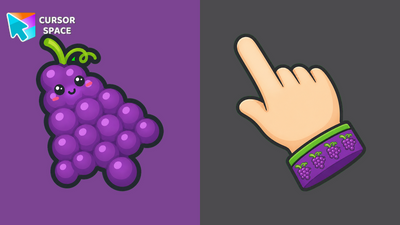 Grape Tropical CursorGrape Tropical Cursor - a purple grape cluster arrow and a vine cuff pointing hand for Chrome and Edge.
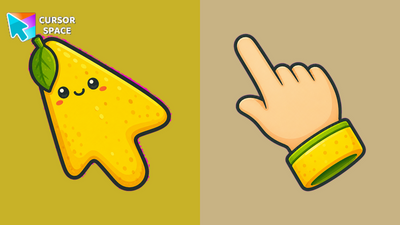 Lemon Tropical CursorLemon Tropical Cursor - a zesty yellow lemon arrow and a citrus pointing hand for Chrome and Edge.
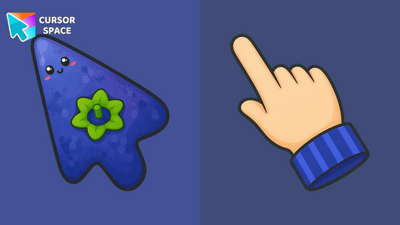 Blueberry Tropical CursorBlueberry Tropical Cursor - a plump blueberry arrow and a violet pointing hand for Chrome and Edge.
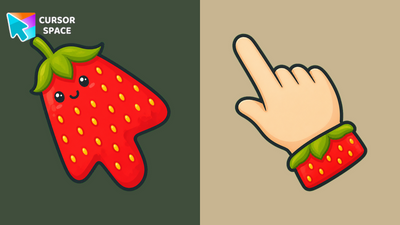 Strawberry Tropical CursorStrawberry Tropical Cursor - a red berry arrow and a leafy pointing hand for Chrome and Edge.
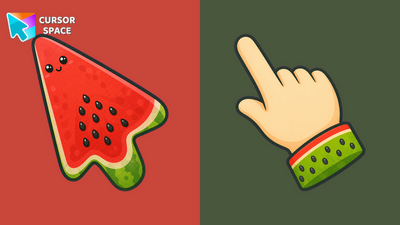 Watermelon Tropical CursorWatermelon Tropical Cursor - a red watermelon slice arrow and a seed-dotted pointing hand for Chrome and Edge.
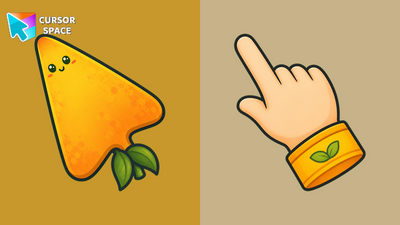 Mango Tropical CursorMango Tropical Cursor - a golden mango arrow and a sunny pointing hand for Chrome and Edge.
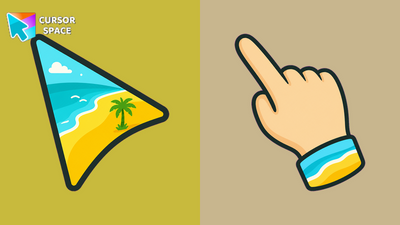 Tropical Beach CursorTropical Beach Cursor - palm beach arrow and a tropical cuff pointing hand for Chrome and Edge.
 Starry Night CursorStarry Night Cursor - night sky arrow and a starry cuff pointing hand for Chrome and Edge.
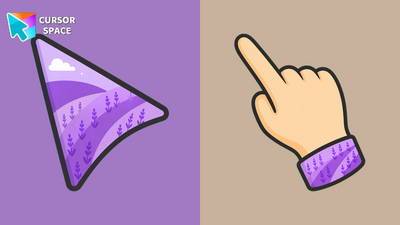 Lavender Fields CursorLavender Fields Cursor - purple field arrow and a lavender cuff pointing hand for Chrome and Edge.
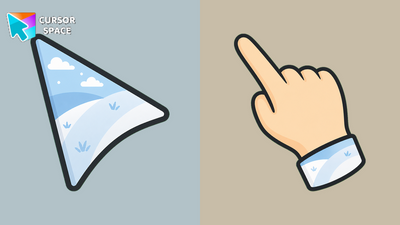 Winter Snow CursorWinter Snow Cursor - snowy hill arrow and an icy cuff pointing hand for Chrome and Edge.
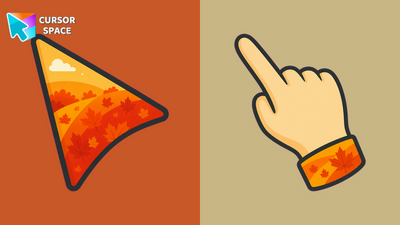 Autumn Forest CursorAutumn Forest Cursor - fall foliage arrow and a maple cuff pointing hand for Chrome and Edge.
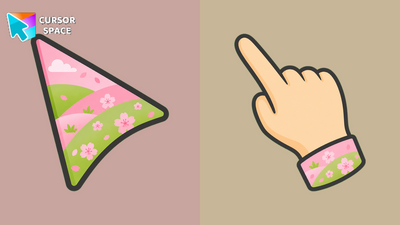 Cherry Blossom CursorCherry Blossom Cursor - pink sakura arrow and a blossom cuff pointing hand for Chrome and Edge.
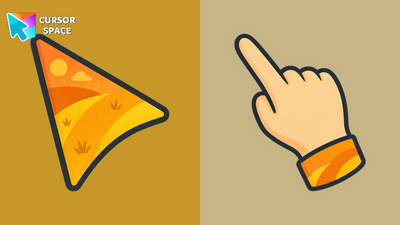 Sunset Dunes CursorSunset Dunes Cursor - golden desert dune arrow and a sandy pointing hand for Chrome and Edge.
 Ocean Waves CursorOcean Waves Cursor - turquoise wave arrow and a sea-striped pointing hand for Chrome and Edge.
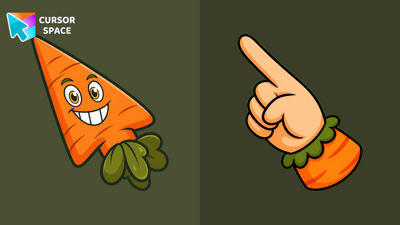 Chauncey Chantenay CursorChauncey Chantenay Cursor - a grinning carrot arrow and a leafy green pointing hand for Chrome and Edge.
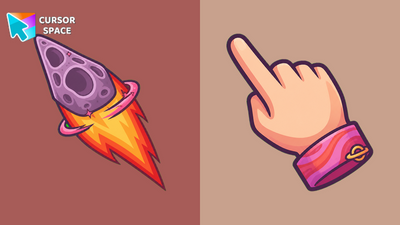 Saturn Planet CursorSaturn Planet Cursor - flaming meteor arrow and a pink-ring pointing hand for Chrome and Edge.
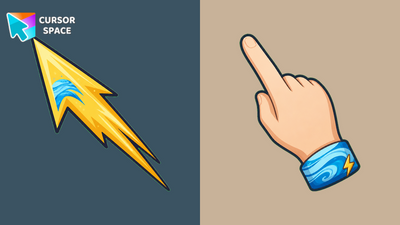 Neptune Planet CursorNeptune Planet Cursor - golden comet arrow and a blue-swirl pointing hand for Chrome and Edge.
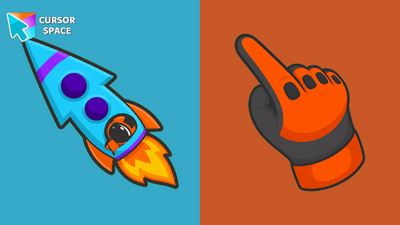 Dancing Astronaut CursorDancing Astronaut Cursor - a cyan rocket arrow and an orange space-glove pointing hand for Chrome and Edge.
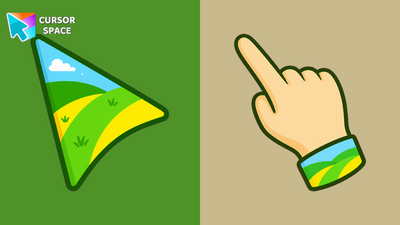 Sunny Hills CursorSunny Hills Cursor - blue-sky rolling hills arrow and a meadow-striped pointing hand for Chrome and Edge.
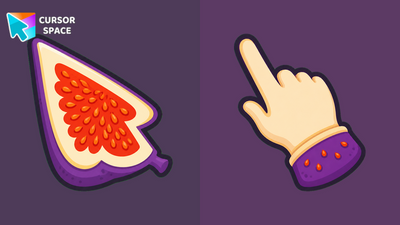 Figs Purple CursorFigs Purple Cursor - a fig-slice arrow with red seeds and a matching purple pointing hand for Chrome and Edge.
Explore cursor packs by style
Cursor Space packs include curated cursor sets for everyday browsing: cute, minimal, anime, neon, pixel art, and more. Each pack comes with multiple cursor states (like default and pointer) and can be added to your browser in seconds.
Trending now
Fresh picks based on what people install most often.
Collections
Browse themed sets grouped by vibe and aesthetic.
Top charts
See weekly, monthly, and all-time leaders.
How to install a cursor pack
- Open any pack from the grid above.
- Click the install / add button on the pack page.
- If you don’t have it yet, install the Cursor Space browser extension.
- Apply the pack in the extension and enjoy your new cursor.
FAQ
Quick answers to common questions about cursor packs, collections, and installation.
Are cursor packs free on Cursor Space?
Most cursor packs on Cursor Space are free to browse and install. Some packs may be marked premium depending on licensing. The Cursor Space browser extension is free to install from the Chrome Web Store.
Do cursor packs work on Chrome and Edge?
Yes. Install the Cursor Space extension for Chromium-based browsers (Chrome, Edge, Brave), open a pack page, and click install/apply. The extension applies the cursor set across your browser.
How do I install a custom cursor pack?
Open the pack page, click the install or add button, install the Cursor Space extension if prompted, then apply the pack from the extension popup. Your new cursor appears immediately.
Can I change or remove a custom cursor later?
Yes. Open the Cursor Space extension, choose another pack, or restore the default system cursor from the extension settings.
Is the Cursor Space extension safe?
Cursor Space is distributed via the Chrome Web Store and Edge Add-ons. Keep the extension updated, and only install packs from trusted catalog pages on this site.